
Weddings · Celebrations · Memories
How it works,
from setup to memories.
Five simple steps take you from creating an event to a gallery full of moments - with clear roles for hosts and guests along the way.
Setup
Create your event in minutes
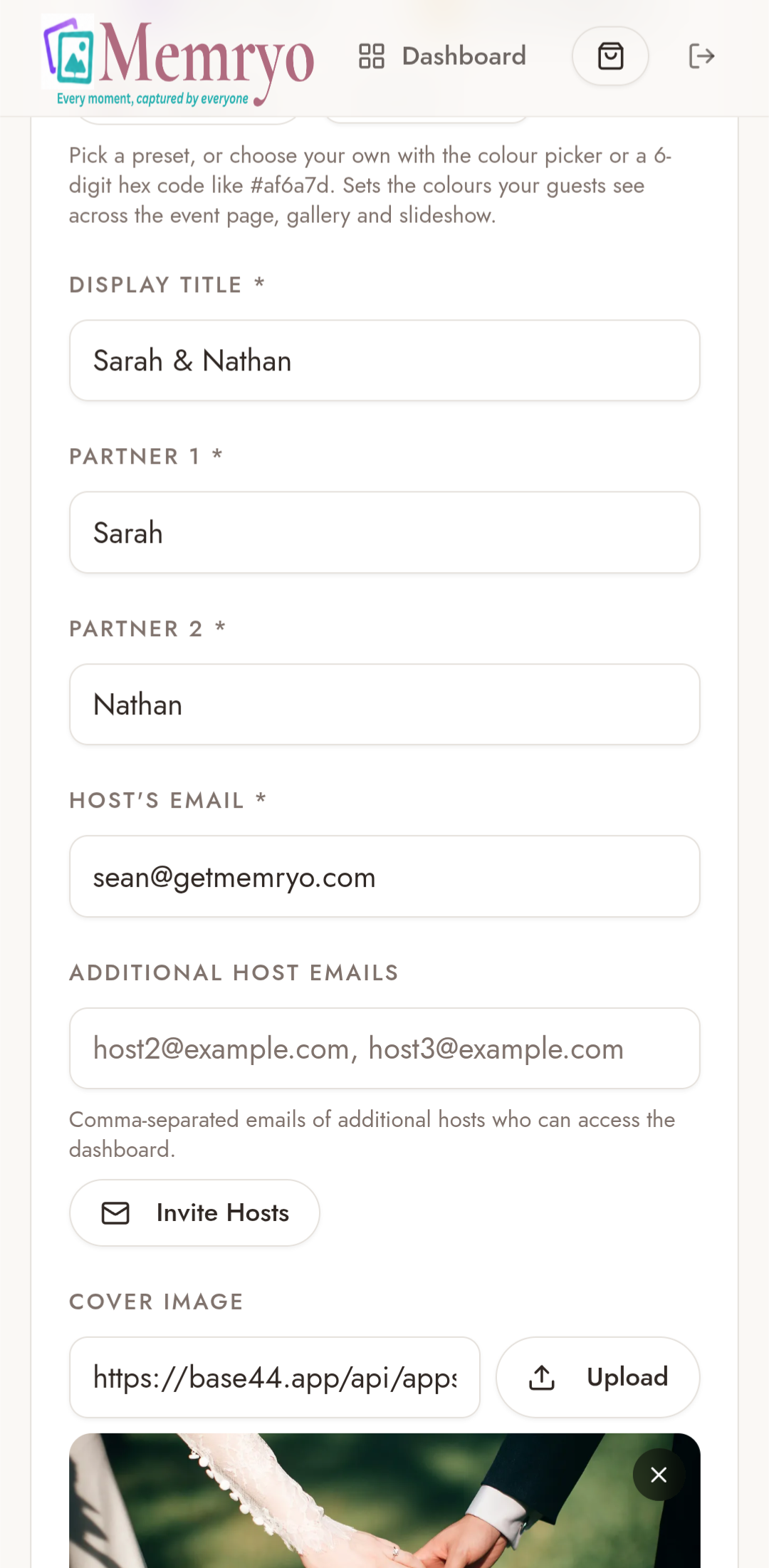
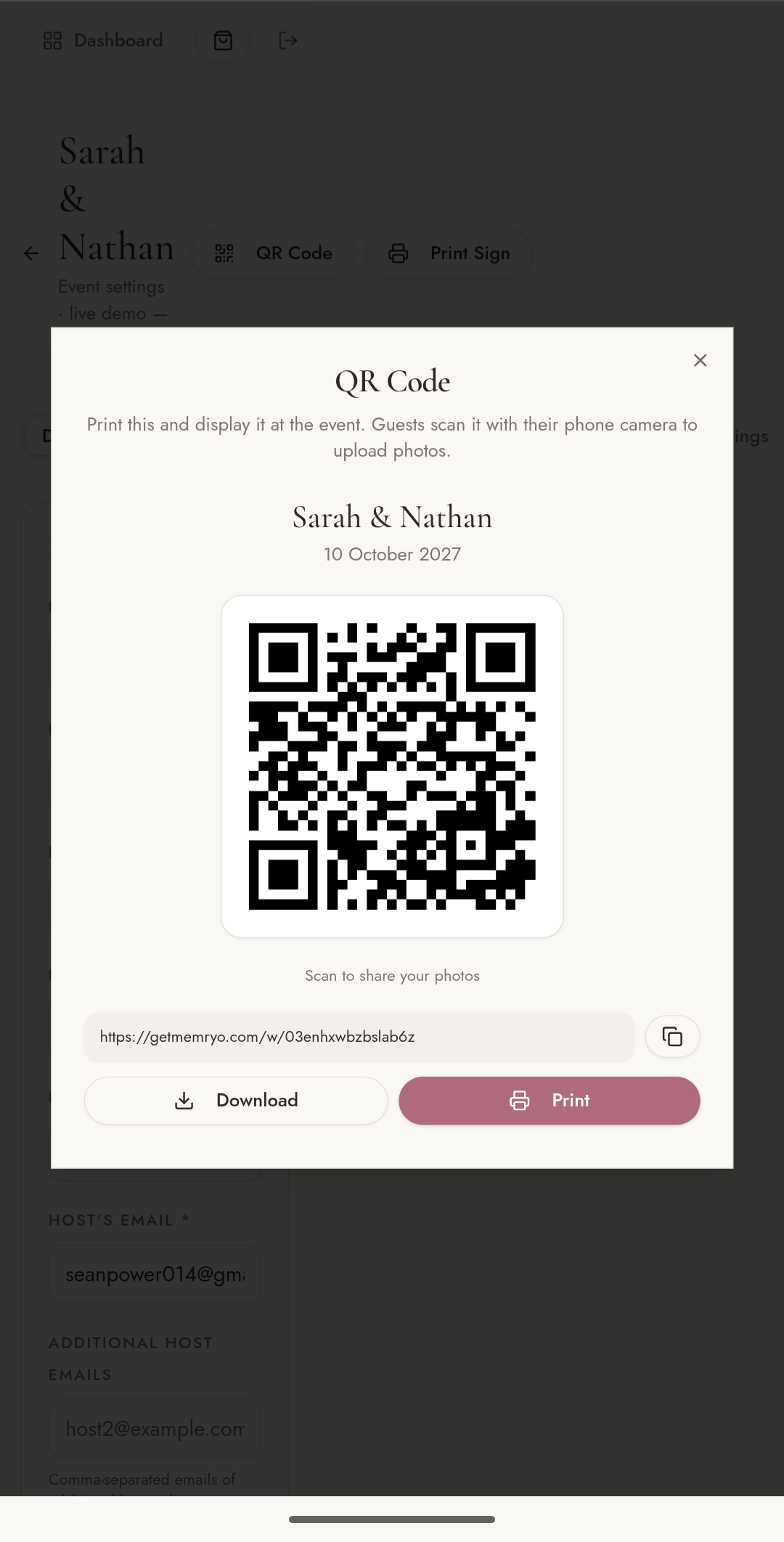
From the dashboard, the host sets up a new event - choosing a theme, adding the details, and generating a shareable QR code for guests.
- Create a new event and pick a theme — wedding, birthday, memorial and more.
- Add the event name, date, host email and any co-hosts who can help manage the gallery.
- Upload a cover image to set the look and feel of the gallery.
- Receive a unique QR code and shareable link to hand to guests.
Join
Guests scan & sign in
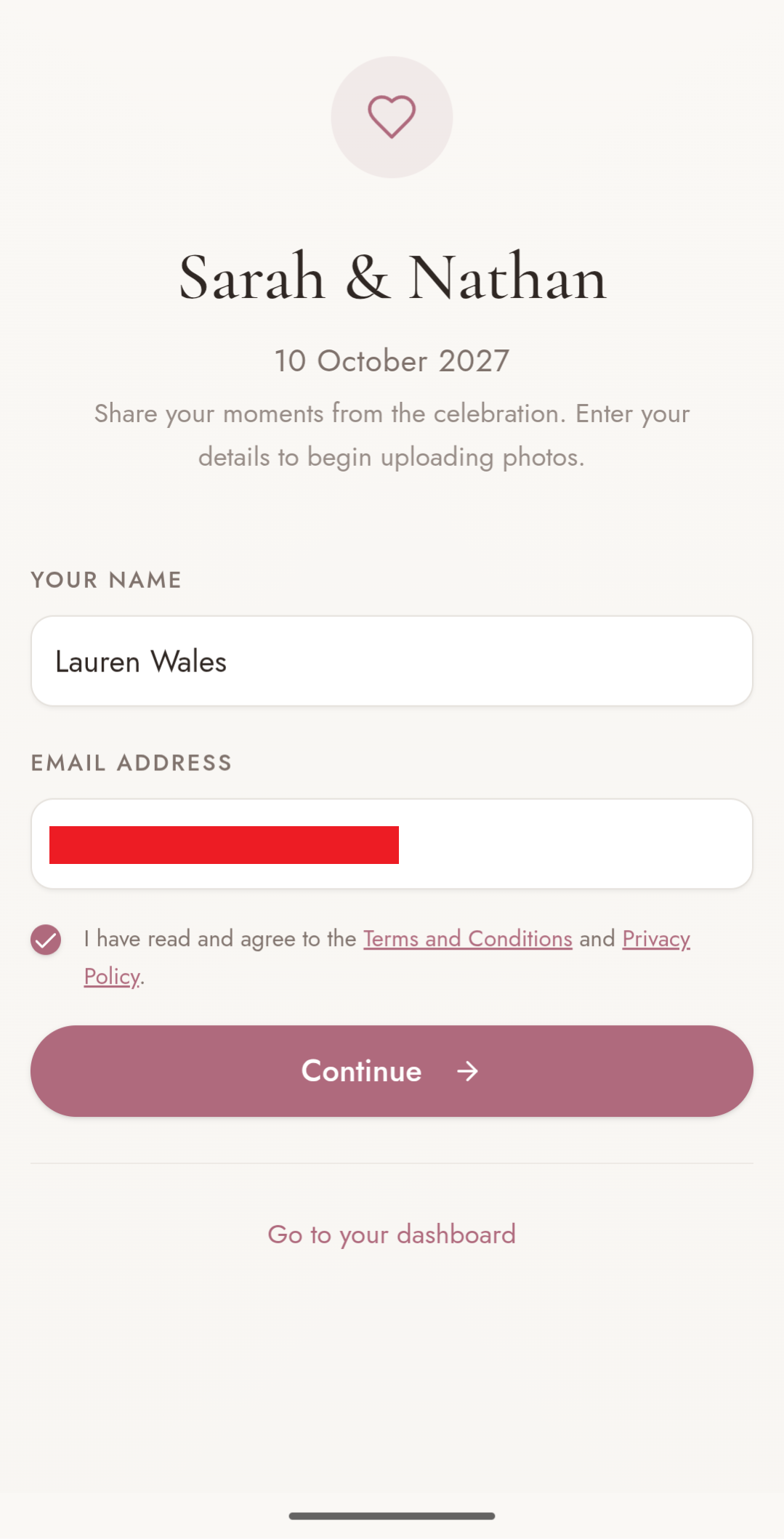
No app, no account. Guests scan the QR code with their phone camera, enter their name and email, and they're instantly in the gallery.
- Scan the QR code displayed at the event — it opens the gallery instantly in the browser.
- Enter your name and email to join — no app to download, no account to create.
- You're straight into the gallery, ready to upload and browse photos.
Upload
Select & upload photos
Guests pick photos straight from their camera roll, choose who can see each one, and upload everything in one go.
- Select multiple photos and videos from the camera roll in one go.
- Toggle each photo to share with everyone or keep it private for the hosts.
- Photos are automatically scanned for inappropriate content before they go live.
Explore
Browse the gallery & celebrate
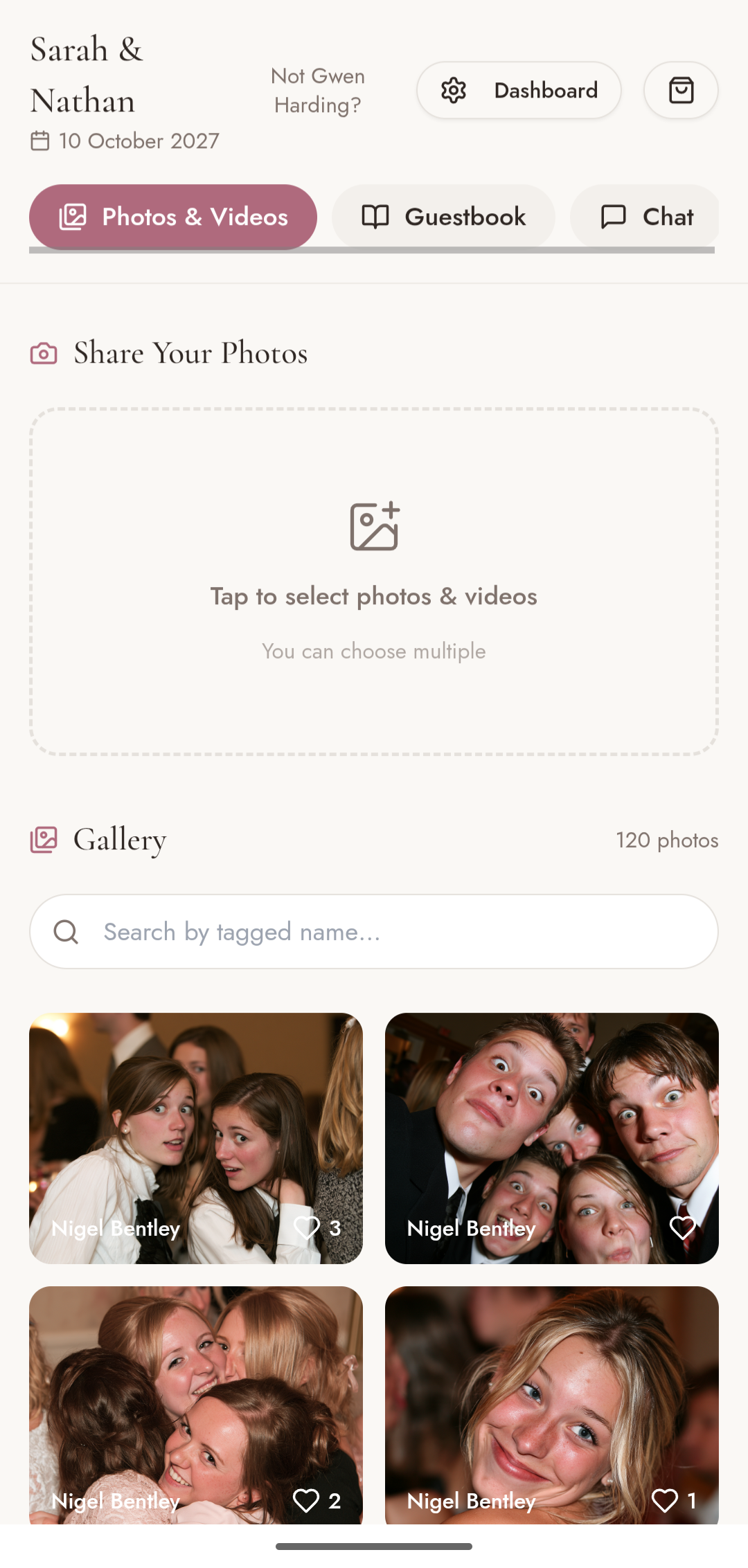
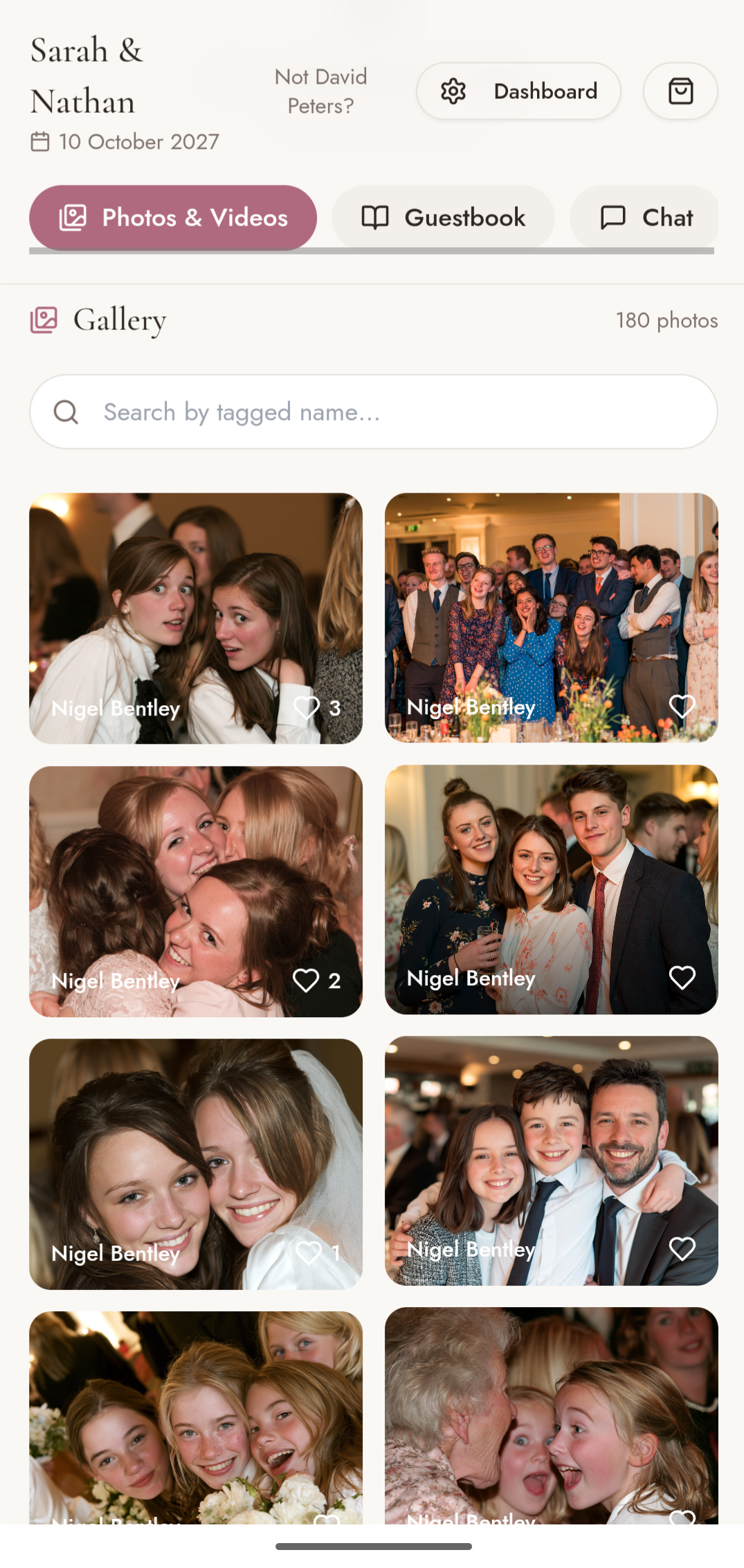
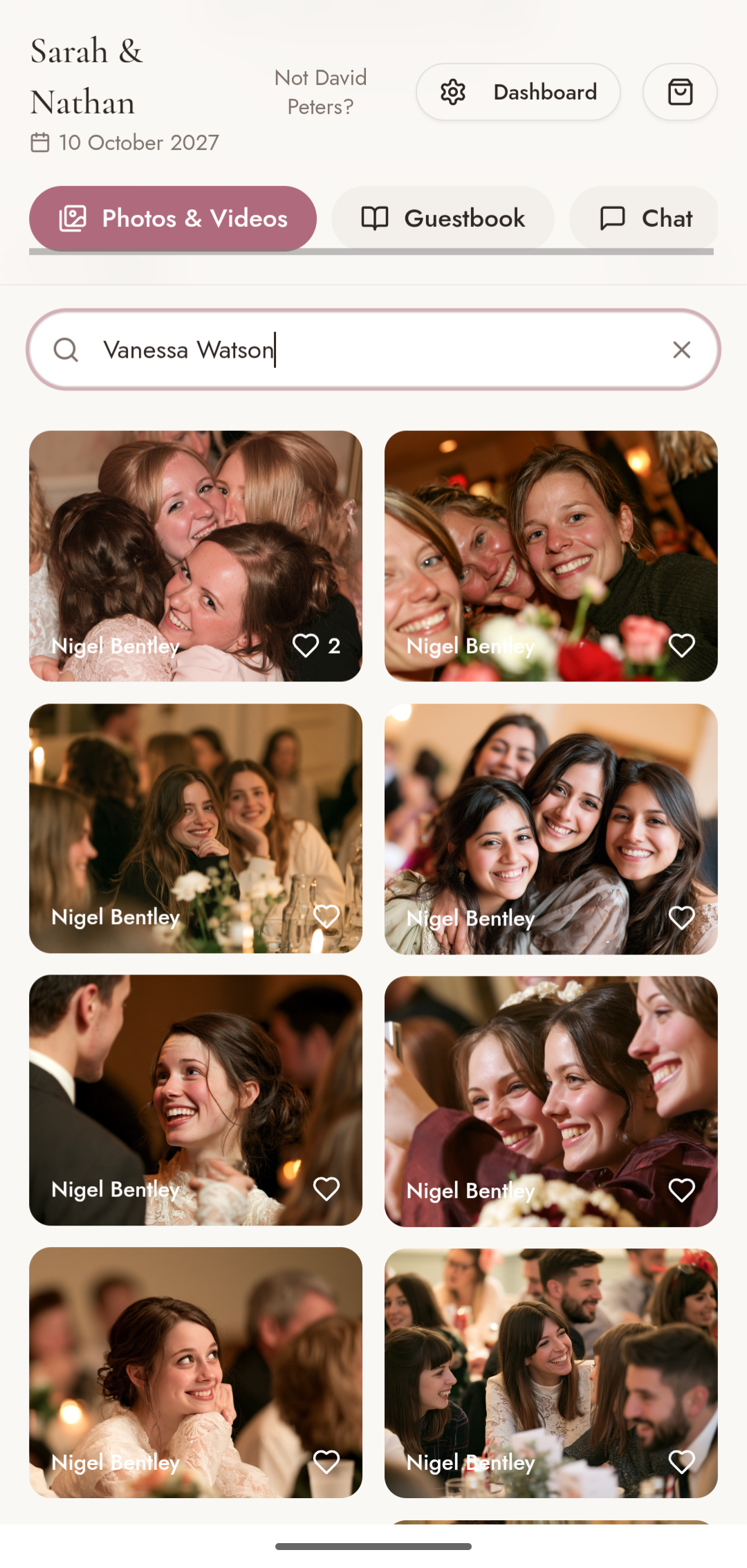
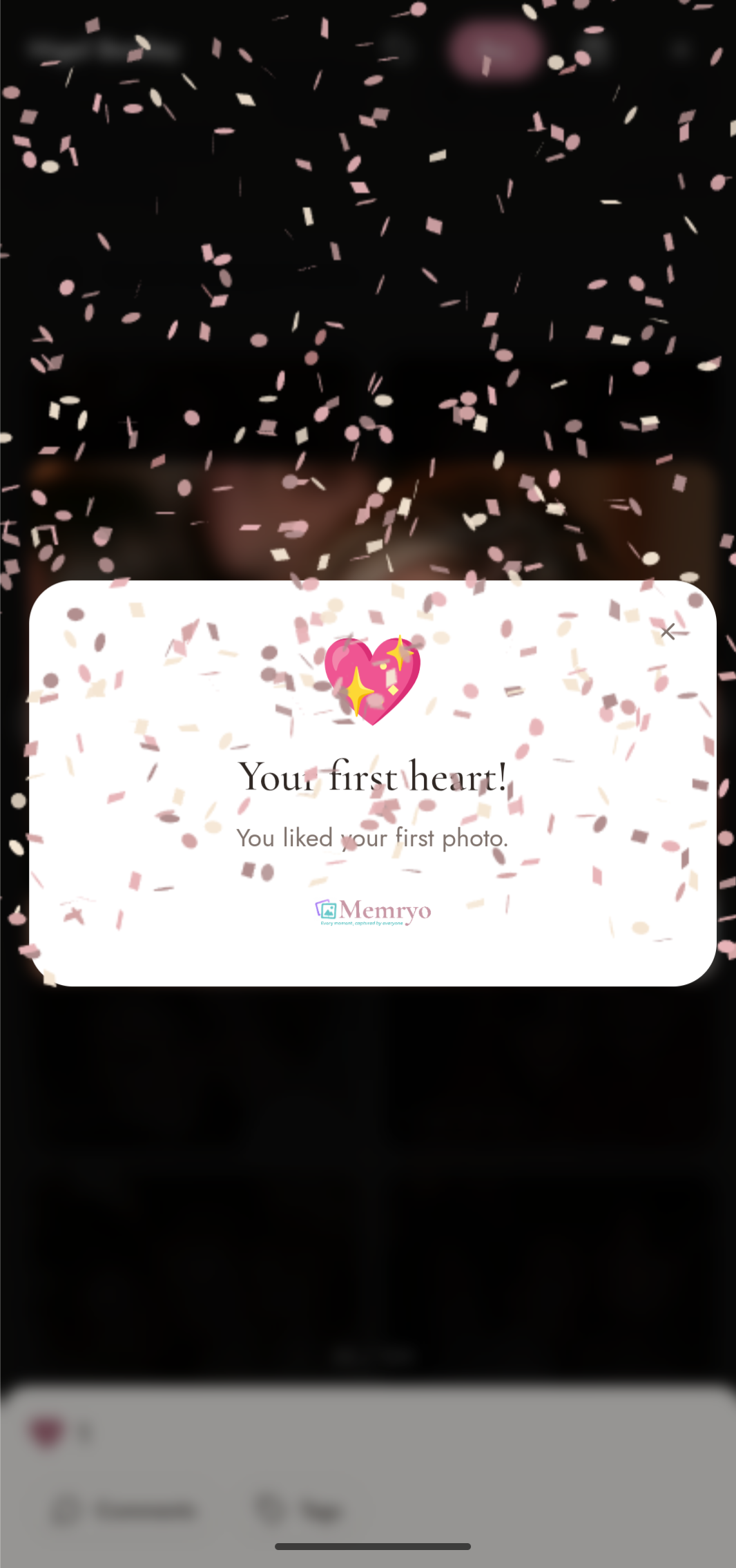
Photos appear in the shared gallery as they're uploaded. Guests browse, search by tagged name, like favourites, and celebrate milestones together.
- Search the gallery by tagged name to find yourself and friends.
- Like your favourite moments and see what others have liked.
- Celebrate milestones as the photo collection grows with confetti rewards.
Engage
Comment, tag & order prints
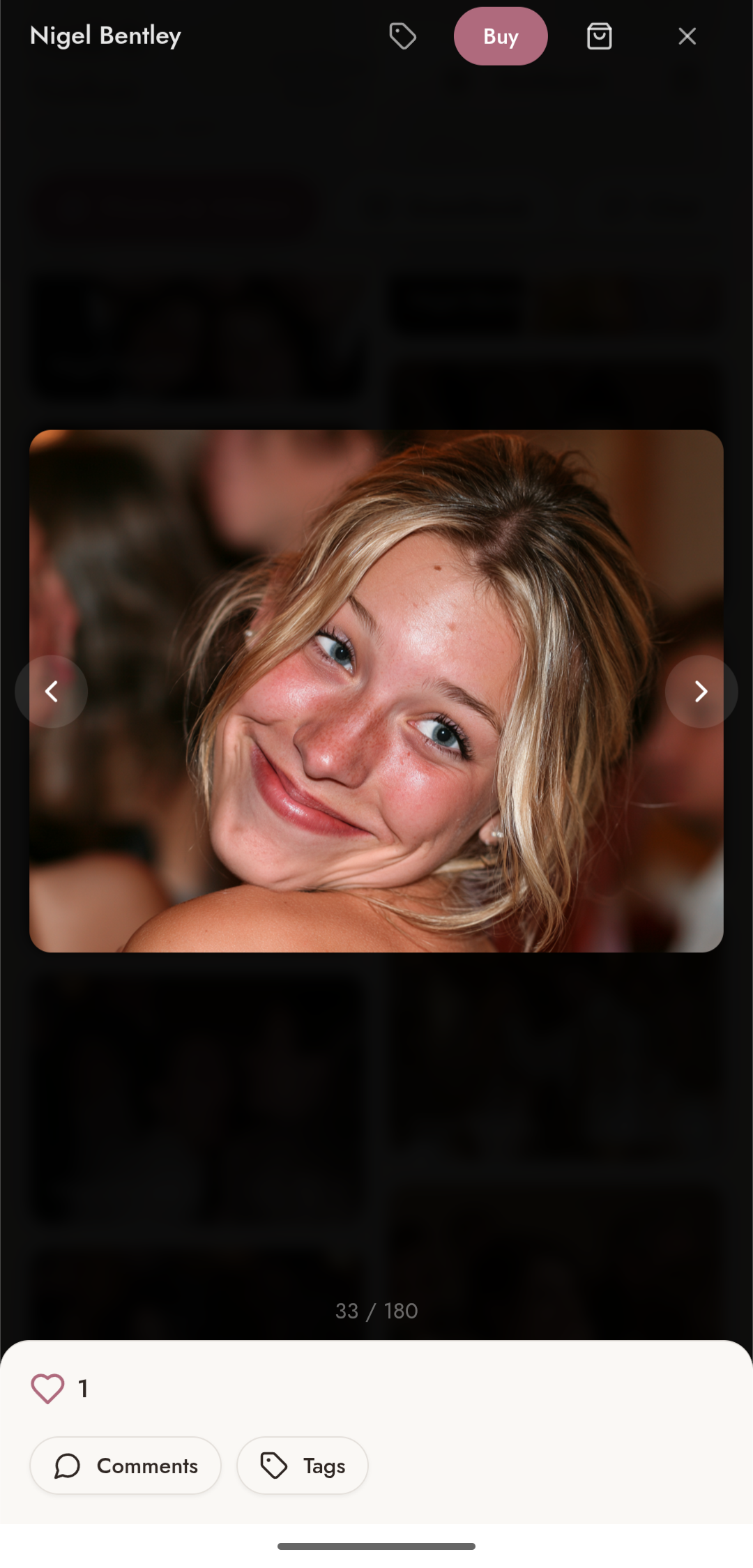
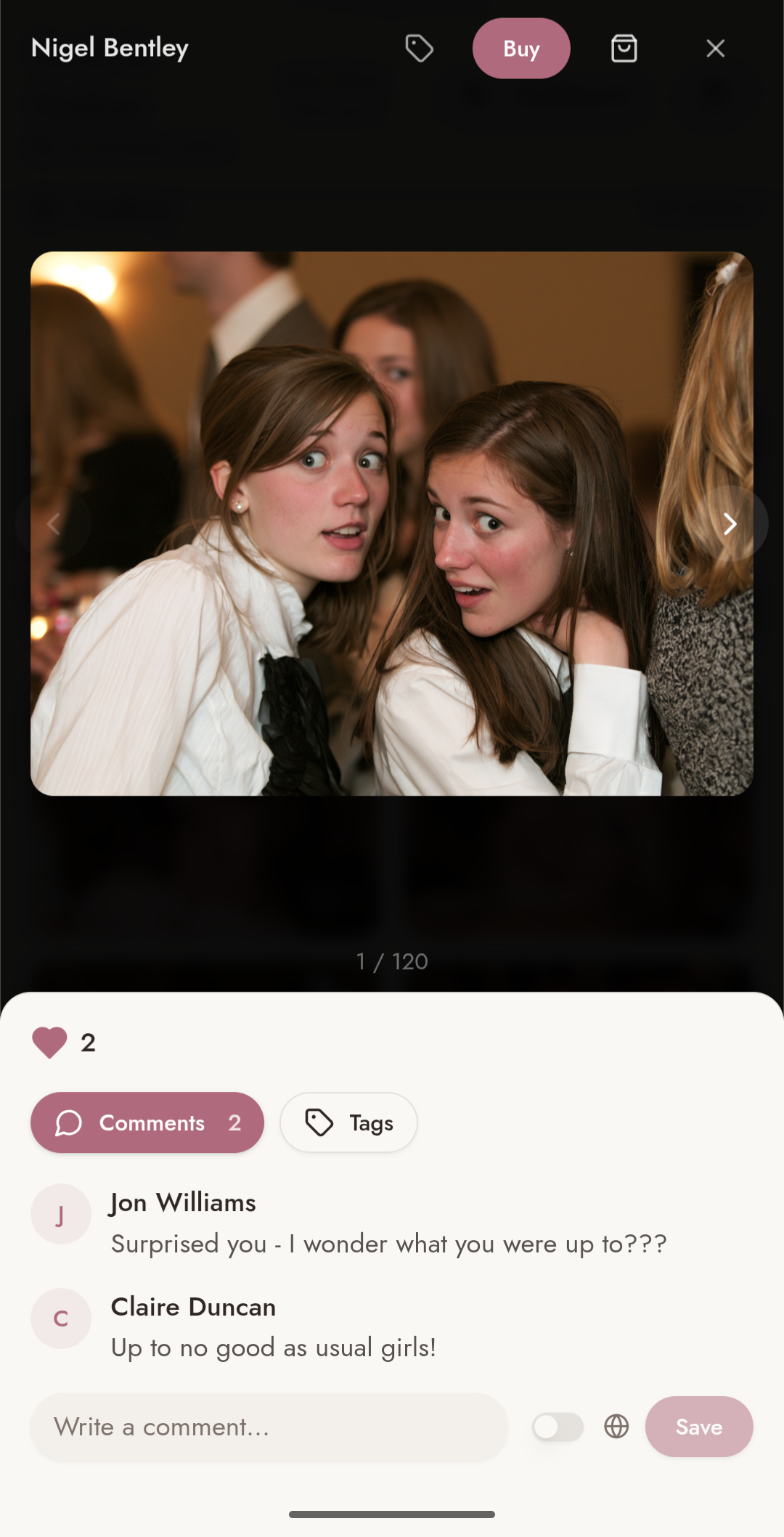
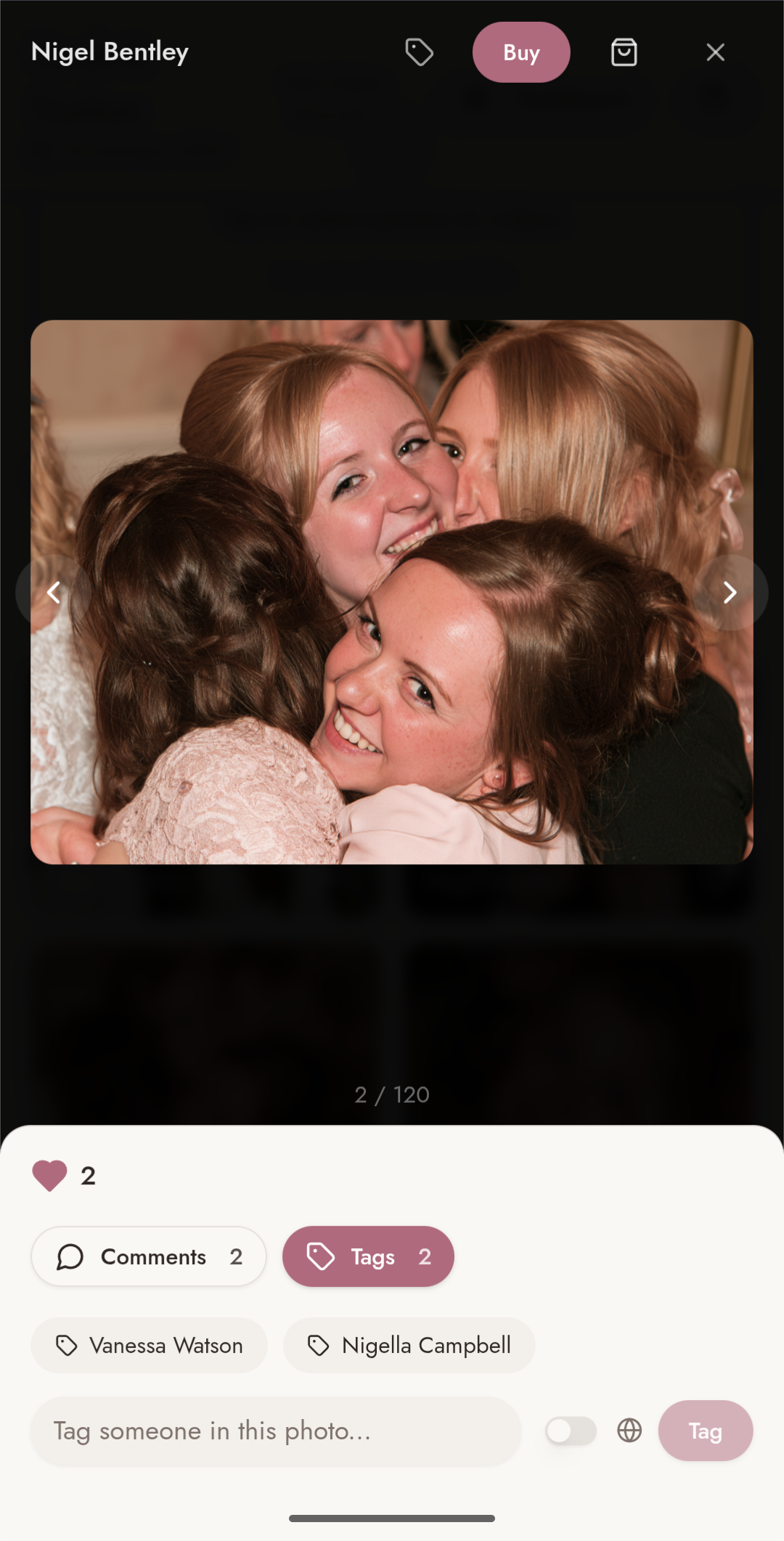
Open any photo to leave a comment, tag friends, or order prints directly from the lightbox. Leave a written or audio message in the guestbook for the hosts.
- Open any photo to like, comment and tag friends in the conversation.
- Order prints, canvases and gifts directly from the lightbox Buy button.
- Leave a written or audio message in the guestbook for the hosts to keep.
Fun and Games
A few extra ways to join in on the day — guests find these in the For Fun tab of the event page.
Photo Bingo
Pick a category and add a photo to enter.
Host Quiz
Test how well you know the hosts with their quiz.
Music
Suggest a song for the DJ to play.
Filters
Give your photos a playful look before you share them.
Caricature
Turn a photo into a pencil caricature to keep.
Questions & Answers
Frequently asked questions
Try it yourself, before you buy
We'll make you your own private copy of a real Memryo event: upload photos, approve or hold them back, read the guestbook and place a sample print order. Only you can see it, and it disappears when you leave.
Ready to capture your day?
One payment of £30 per event. No subscriptions, no per-guest fees.